NSFReader
A new alternative to ScanEZ (Ytria) for HCL Notes. ****Works only with HCL Notes x64.***\
\
ScanEZ is a heavyweight solution with licensing. Without a license, only document reading is available.\
NSFReader is a simple, lightweight application created by an administrator for administrators. The main concept is convenience and speed!\
The application is in active development, but already has the basic features needed by administrators.\
****Currently, the application is not licensed and is freely available!***
## Installation
* Create the NSFReader.nsf database from the NSFReader.ntf template (ODS 55).
* Open the created NSFReader.nsf database and click the “Install NSFReader” button (lower left corner).
* In the security settings, set the flag: "Don't prompt for a password form other Notes-based programs".
* Restart the HCL Notes client.
After that, a new “NSFReader” panel will appear in the Notes and Administrator clients. There are only 2 buttons in this panel:
1. To open a single document.
2. To open all selected documents.
3. Local databases can be added using drag and drop or using the File->Open database menu (ctr + o).
Contact information:\
zksandrix@gmail.com\
zmaster@inzone.pro
## UI
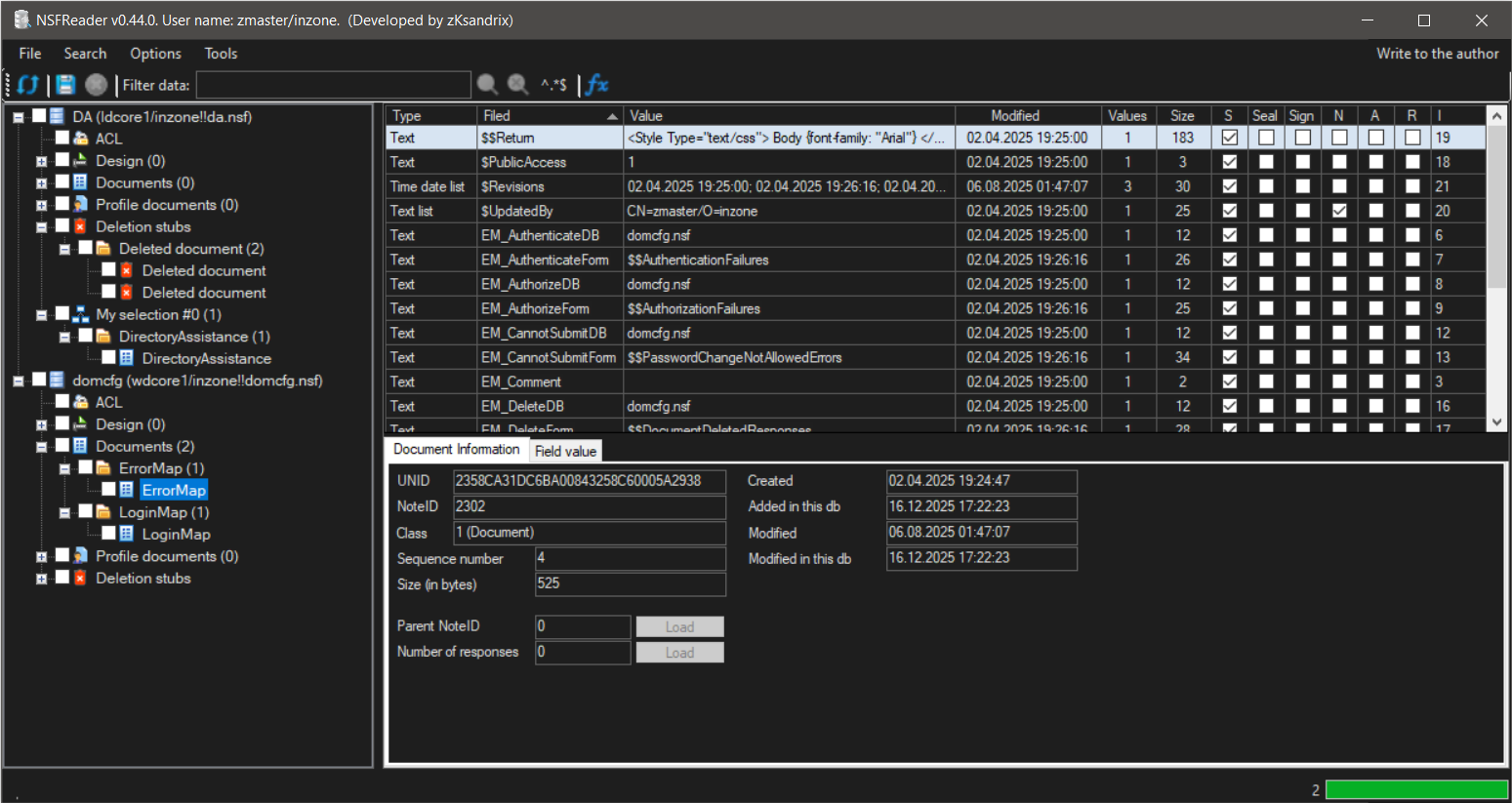
**Simple, uncluttered program interface:**
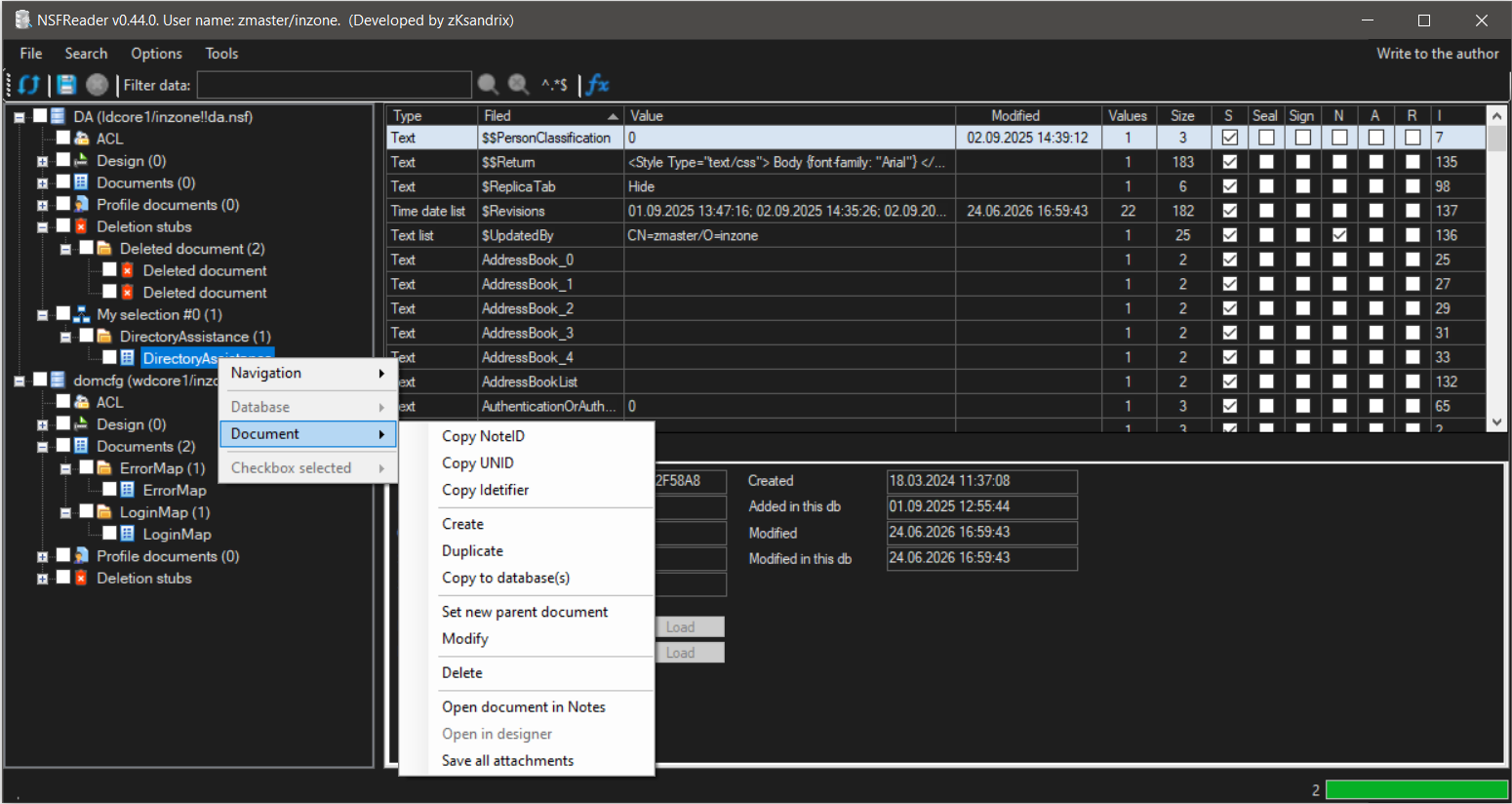
**A wide range of document management options:**
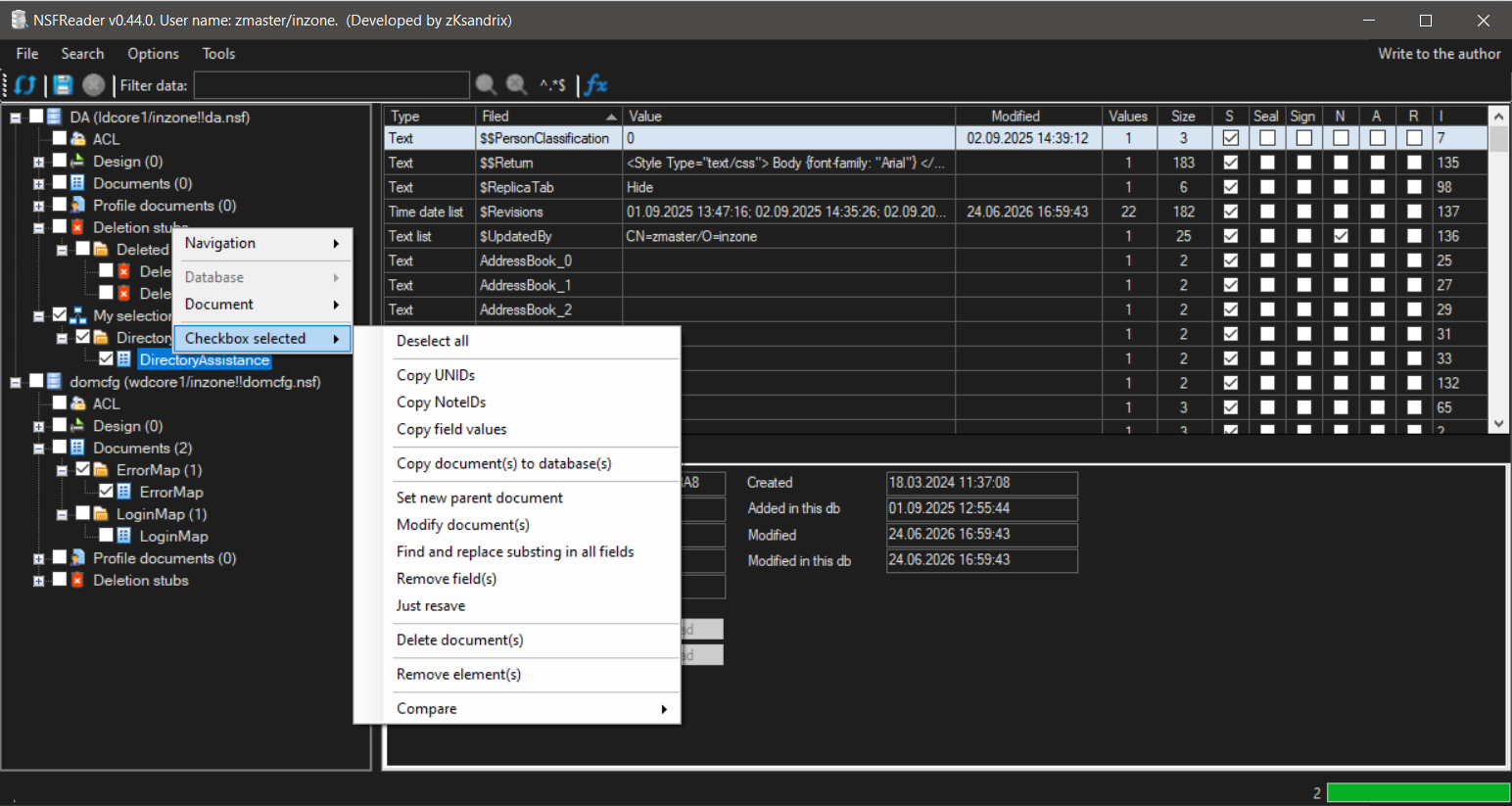
**A wide range of options for working with multiple documents simultaneously:**
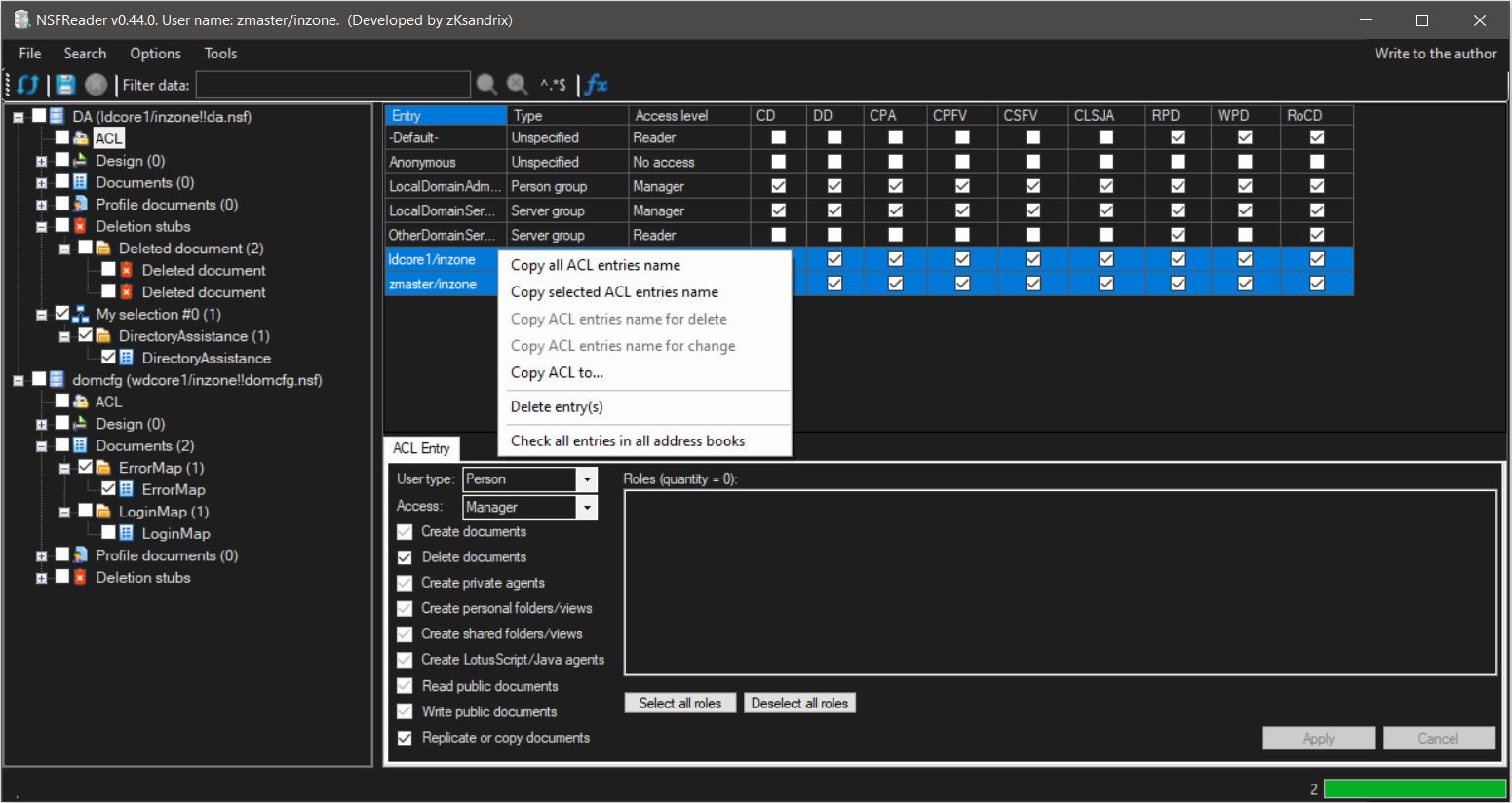
**Ability to work with ACLs:**
**Ability to view database information, including changing ReplicaID, In/Out of service, On/Off replica, Clear replica history:**
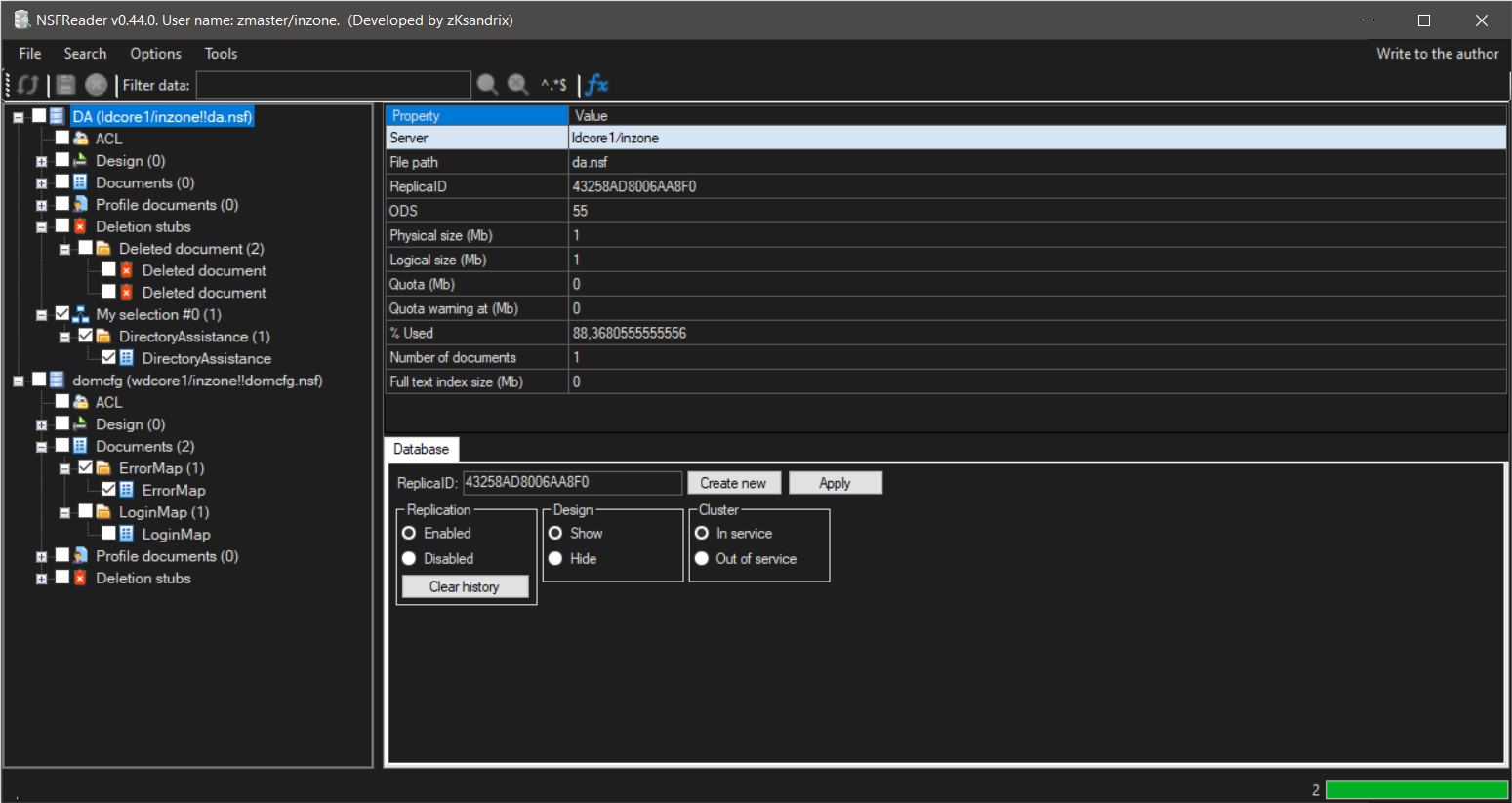
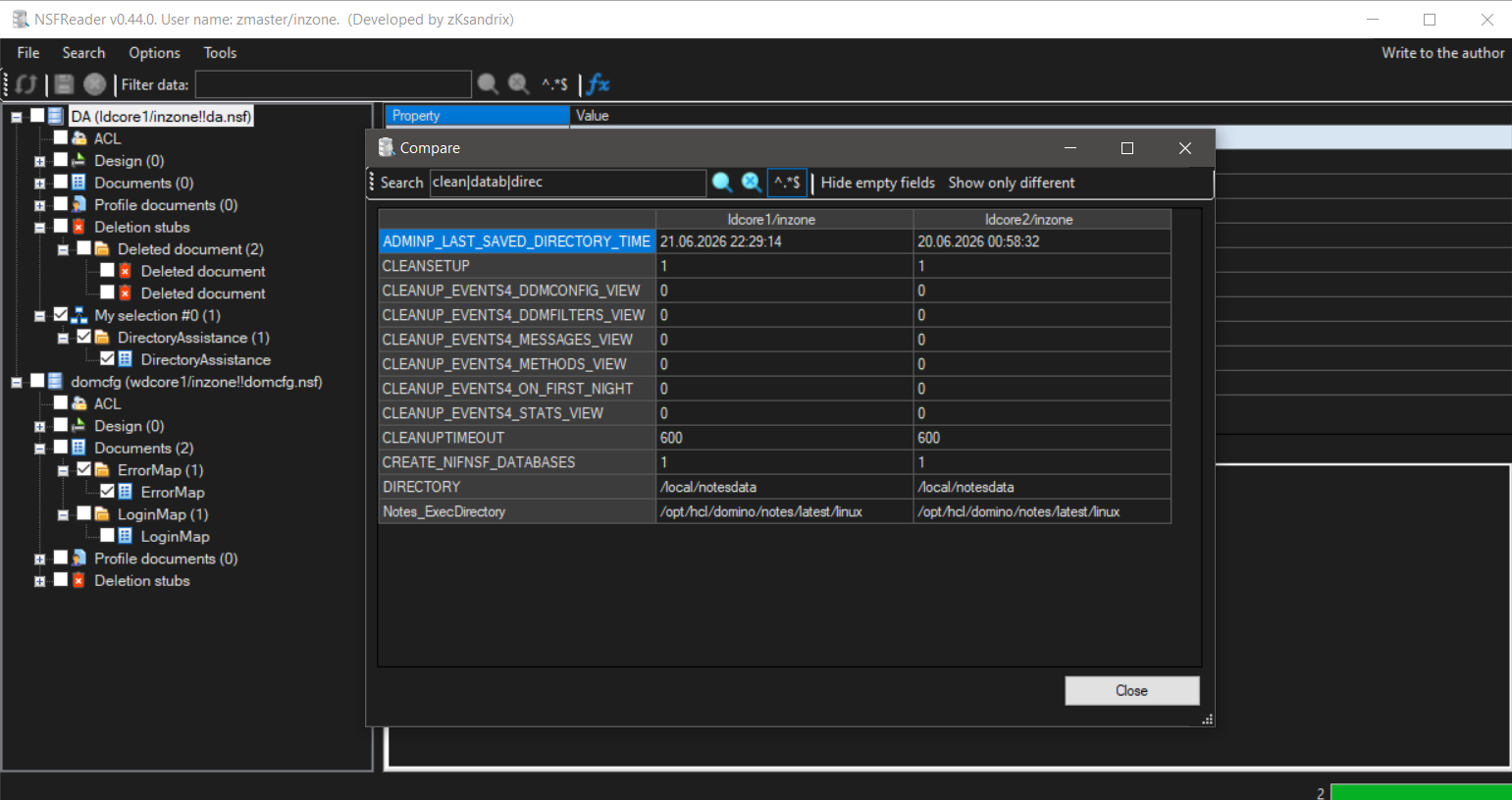
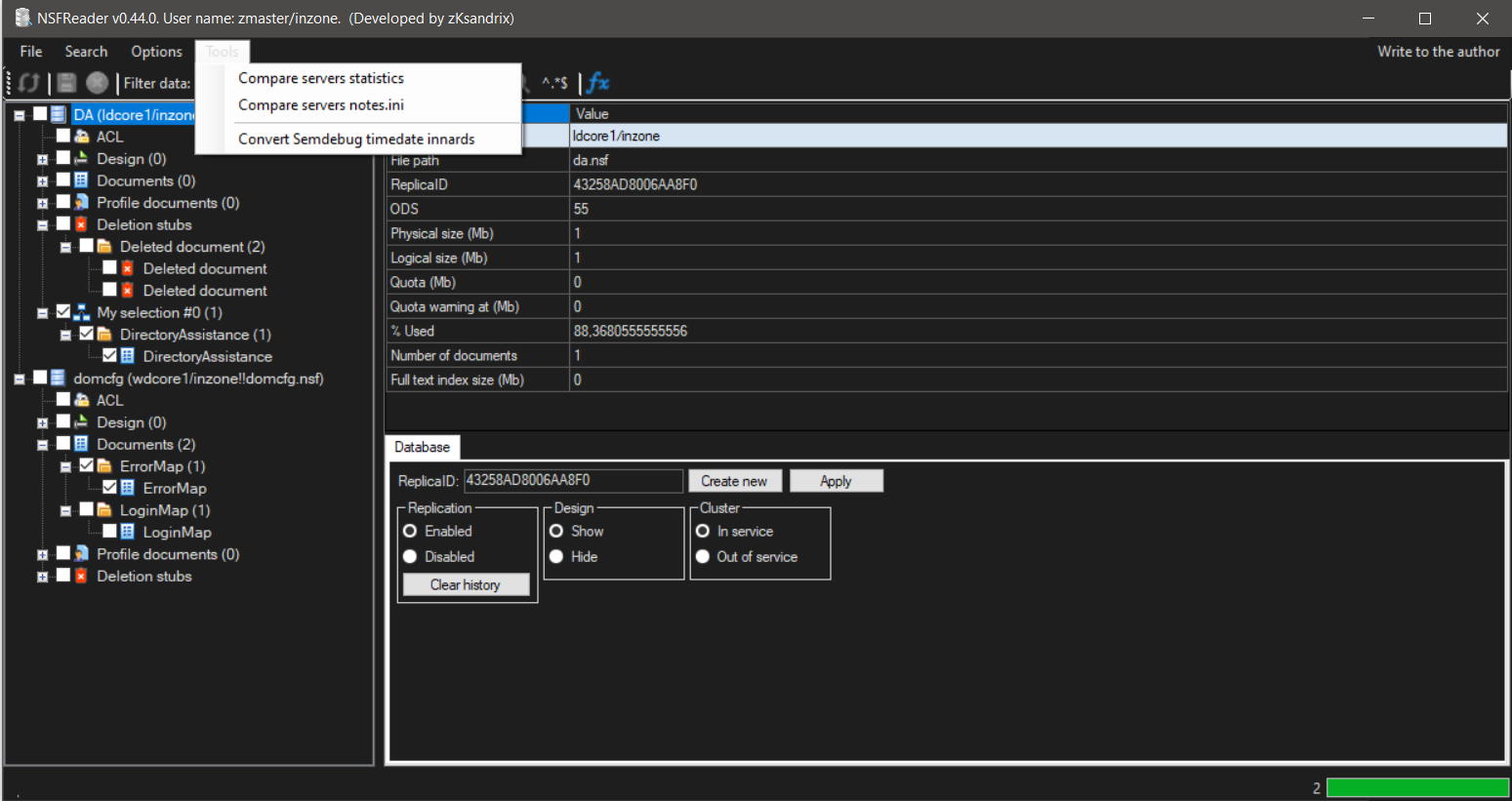
**Ability to compare documents, server statistics, or notes.ini parameters.
Ability to convert time data in semdebug files into a human-readable format.**
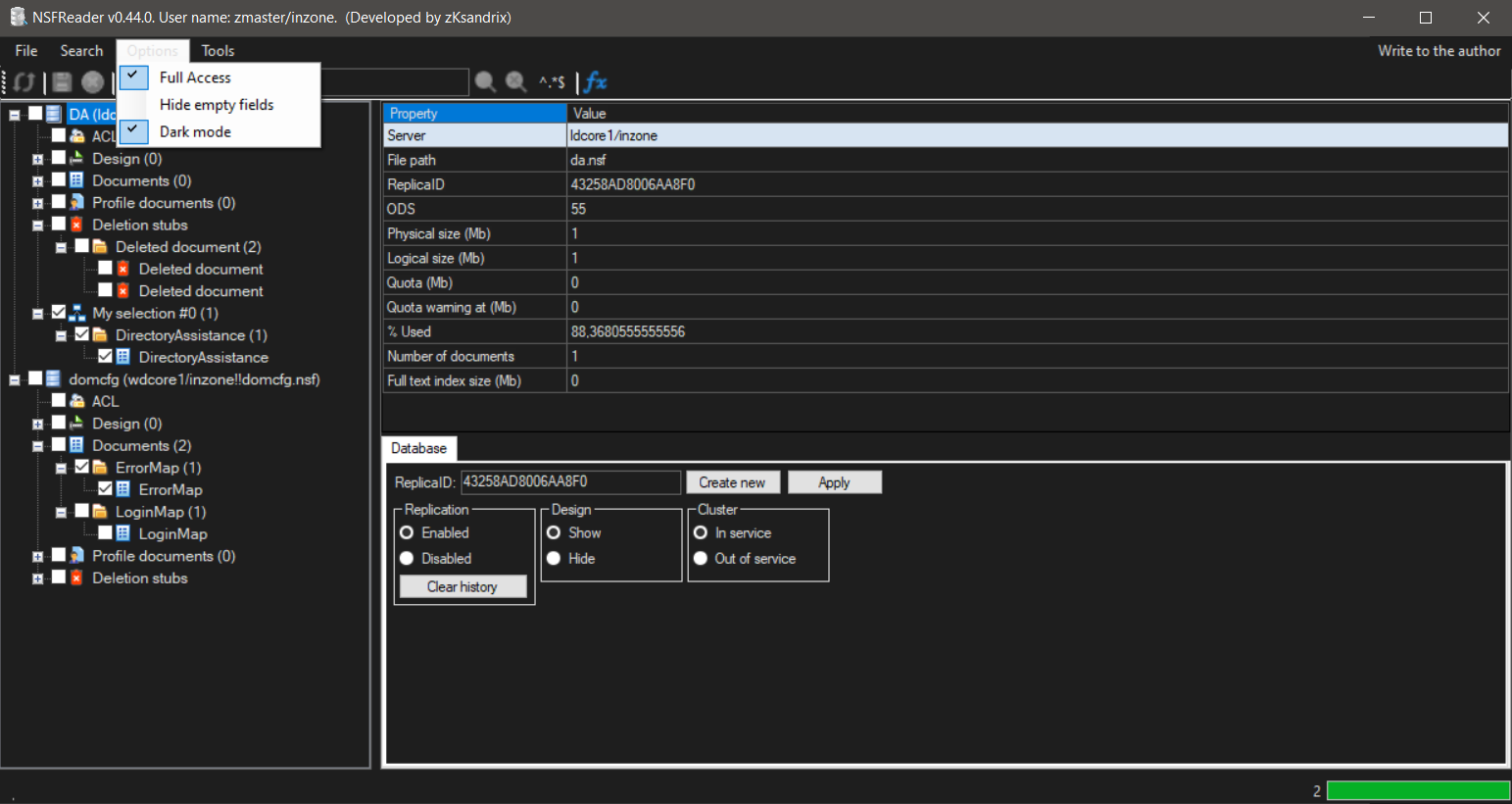
**Ability to work in Full admin mode, enable dark mode and hide empty document fields.**
**All options are automatically saved in the NSFReader.nsf database when the program is closed:**
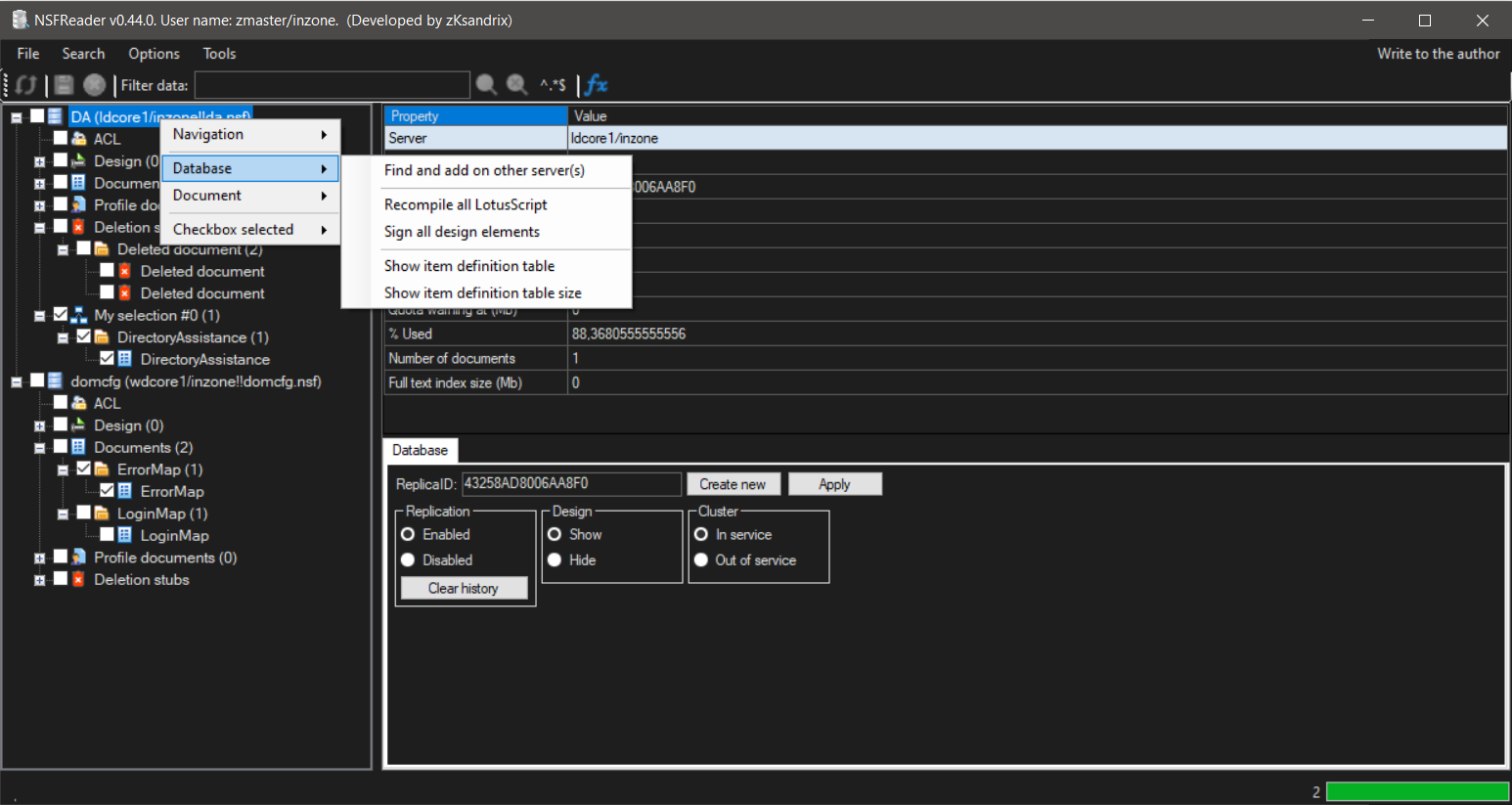
**Searching for a database on other servers. Show information about item definition table.**
**Ability to recompile LS and sign all design elements. Designer access is checked even with Full Admin enabled.**
**If a compilation or signing error occurs, a corresponding message is displayed, indicating the type, design element name, and error.**
**Searching by @Formula\UNID\NoteID\Profile document\Design name.**
**If several databases are open at once, it is possible to search in all of them at once.**
